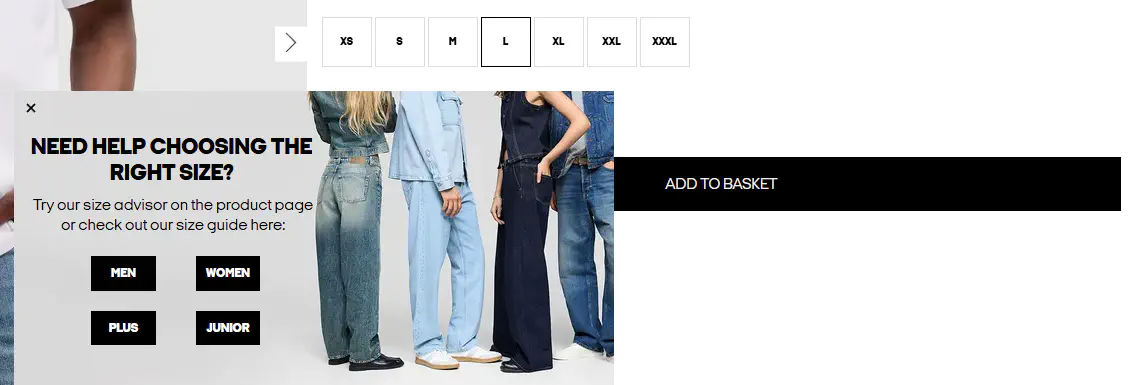
Promoting Size Adviser to your visitors
Maximizing your Click-Through Rate (CTR) on the product page is the vital first step toward driving more sales with Size Adviser[cite: 1]. If visitors do not click the Size Adviser link, they miss out on the benefits of the service entirely[cite: 1].
To increase awareness and engagement, we highly recommend highlighting Size Adviser on your website’s FAQ pages or via your standard customer communication channels[cite: 1]. Inform your visitors that you offer a dynamic, highly accurate sizing service tailored to each specific product—going far beyond a traditional, static size chart to help them confidently choose the correct size[cite: 1].
Example 1: Clear & Concise
How do I find my correct size?
Every product page features an integrated, personalized size recommendation service designed to predict your perfect fit for that specific item[cite: 1]. Simply enter your height and weight, and the system will instantly confirm which size suits you best[cite: 1].
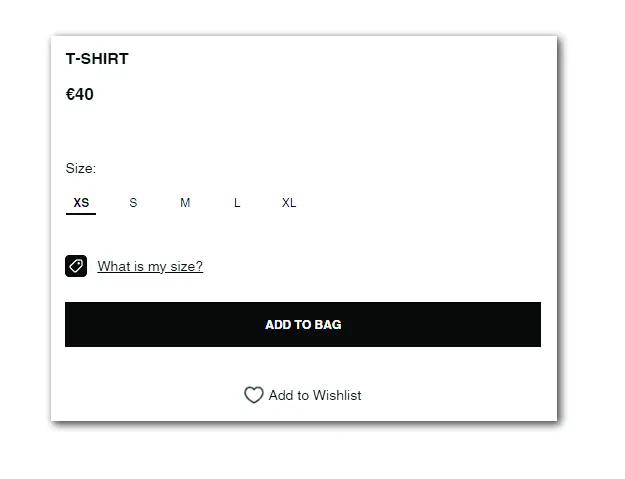
Example 2: Detailed & Interactive
How do I know which size to choose?
Finding your ideal fit is simple using our Size Adviser[cite: 1]. On every product page, right next to the size options, you will find a “What is my size?” button[cite: 1].
Click the button and complete a quick profile with your weight, height, age, and preferred fit style[cite: 1]. Based on your unique body shape and preferences, our software instantly provides a personalized size recommendation tailored just for you[cite: 1].
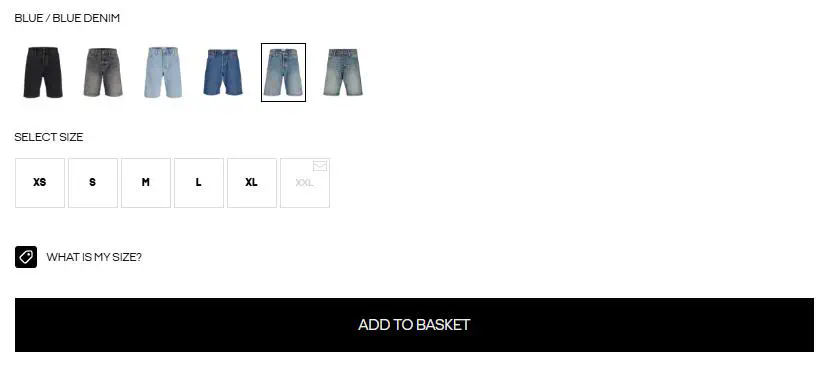
Alternative Engagement Solutions
Dynamic Cart Trigger Example
How can I make sure I am buying the right size?
If you try to add an item to your cart before using our Size Adviser tool, a dynamic popup will automatically appear to let you know that our personalized sizing service is available. This quick prompt is designed to help you find and order your perfect fit the very first time, guiding you directly to our recommendation system.