Can I invite new users to the dashboard?
As an existing user, you can easily invite your colleagues to grant them access to your dashboard.
How to Invite Team Members
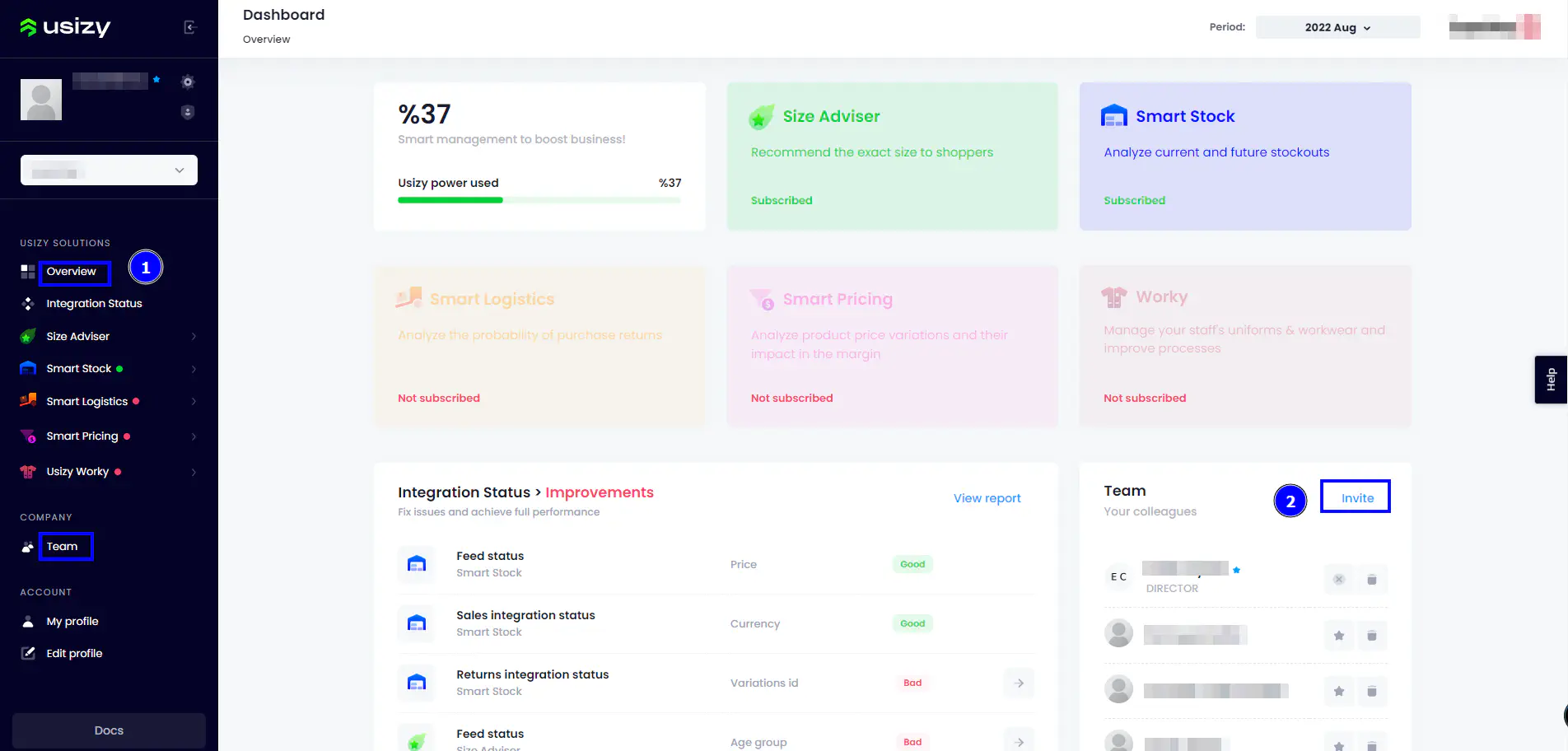
Navigate to the Invite Button: Access either the Overview or Team section of your dashboard and click the Invite button:
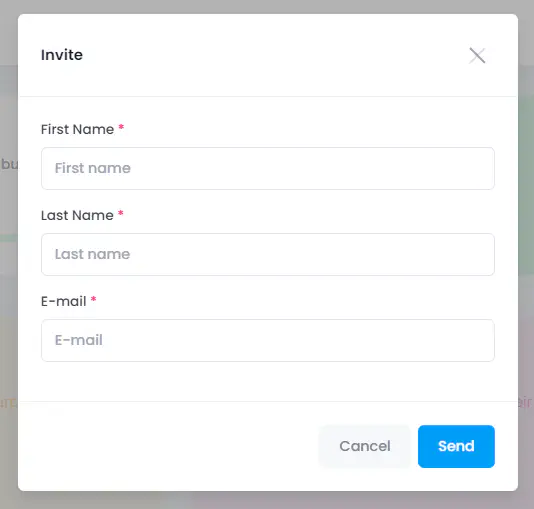
Complete the Invitation Form: Fill in the requested details in the pop-up window and submit the form to send the invitation:
Once submitted, the invited recipient will receive an email containing detailed instructions on how to set up their account and proceed.